
Platforms
Virtual Try-On for Wix
Embed browser-based AR try-on on Wix Stores product pages without an App Market listing.
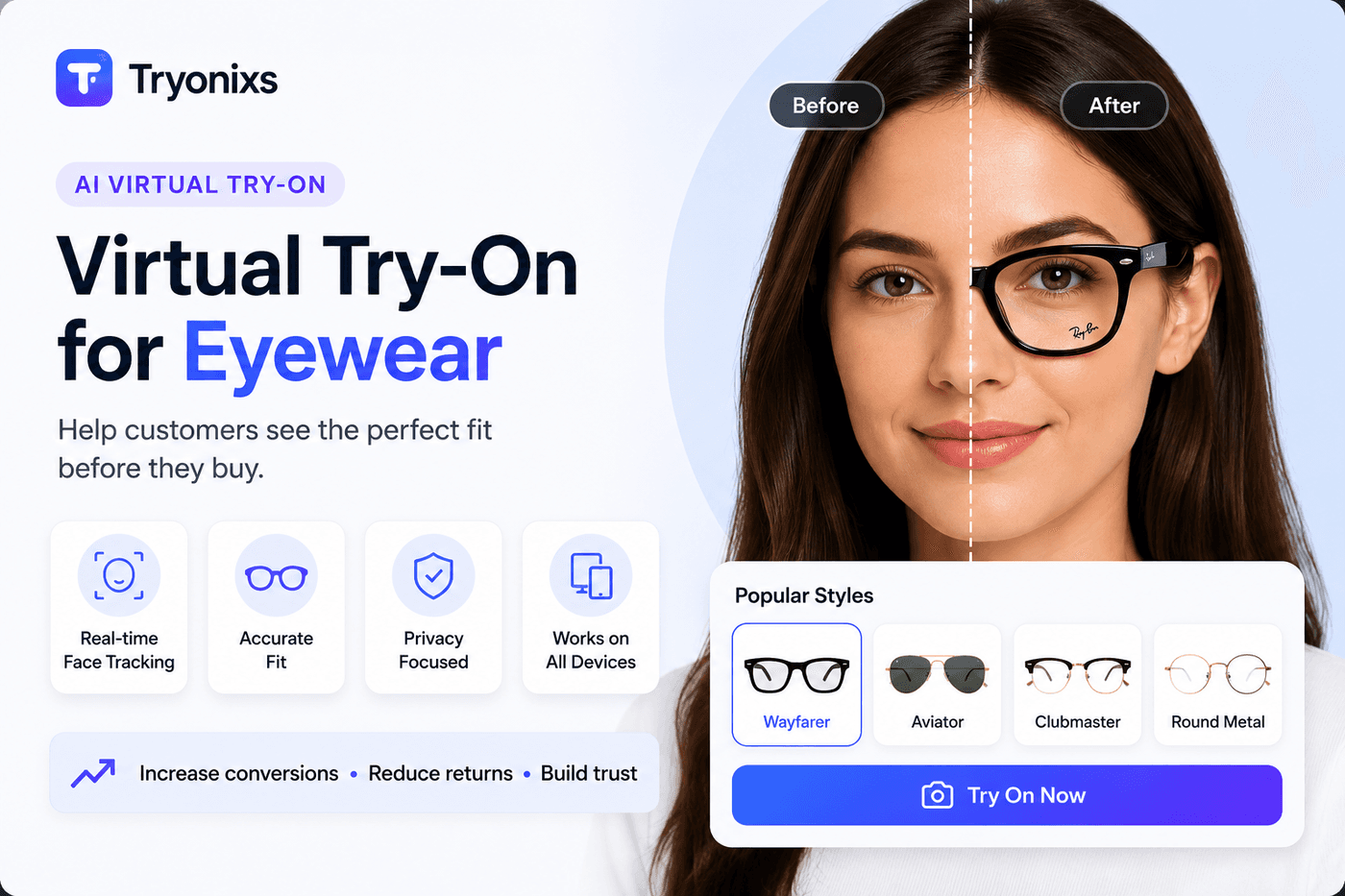
Wix + Tryonixs
- Wix stores range from small independent beauty and eyewear sellers to growing DTC brands using Wix Stores
- Tryonixs embeds via a custom HTML embed element referencing the SDK script — no dedicated Wix App Market listing required
- Wix's velo custom code layer can wire button clicks to Tryonixs.open() for more control than a static embed
Virtual try-on on Wix
Wix stores range from small independent beauty and eyewear sellers to growing DTC brands using Wix Stores
Tryonixs embeds via a custom HTML embed element referencing the SDK script — no dedicated Wix App Market listing required
Wix's velo custom code layer can wire button clicks to Tryonixs.open() for more control than a static embed
Wix's own image hosting works well as a source for transparent PNG frame or shade assets
Setup guide
Installation
- →Add an HTML embed (Custom Element) to your product page template
- →Paste the Tryonixs SDK script tag and a Try On button into the embed
- →Set your public API key and per-product image URL, either hardcoded per template variant or wired via Velo
- →Allowlist your Wix domain (and any custom domain) in the Tryonixs dashboard
SDK setup
- →Initialize Tryonixs.init({ apiKey }) once per page load
- →Call Tryonixs.open({ productId, imageUrl, productName }) from the embed's button click handler
- →For dynamic (repeater-based) product pages, use Velo to inject the correct imageUrl per product at render time
API
- →REST endpoints (/api/sdk/validate, /api/sdk/tryon-session) work identically regardless of storefront platform
- →Useful for stores using Wix's dynamic pages with custom product data sources
Authentication
- →Public API key embedded in the HTML element — safe to expose client-side, scoped to allowlisted domains
Webhooks
- →Analytics events available via the dashboard; custom webhook forwarding can be layered on with Velo backend code if needed
Performance
SDK loads asynchronously and doesn't block Wix's own page rendering
Keep frame/shade PNGs compressed — Wix's built-in image optimization applies to product photos but not to custom embed assets
Analytics
Tryonixs dashboard shows try-on sessions and unique products tried on independent of Wix Analytics
Velo custom code can additionally push events into Wix's own analytics or a connected GTM container
Troubleshooting
Custom HTML embeds on Wix run in a sandboxed iframe by default — ensure camera permission prompts aren't blocked by iframe sandboxing settings
Mobile editor preview does not always reflect live mobile camera behavior — always test on an actual phone browser
Wix SSL is enabled by default, which satisfies the HTTPS requirement for camera access
Best practices
Start with a handful of hero products before wiring every SKU through Velo
Use Wix Stores product ID as your Tryonixs productId for consistent analytics
Test on mobile Safari and Chrome specifically before full rollout
Wix FAQ
- Do I need a Wix App Market app to use Tryonixs?
- No — Tryonixs embeds via a standard Wix Custom Element (HTML embed) referencing the SDK script, without needing an App Market listing.
- Does this work with Wix's dynamic/repeater product pages?
- Yes, using Velo (Wix's custom code layer) to pass the correct product ID and image URL into the embed at render time for each dynamically rendered product.
- Does Wix's iframe sandboxing block camera access?
- It shouldn't with a standard embed, but sandboxing settings can vary — verify camera permission prompts appear correctly during testing, since overly restrictive sandbox attributes can block getUserMedia().
- Is HTTPS required, and does Wix provide it by default?
- Yes, camera access requires HTTPS, and Wix-hosted stores are served over HTTPS by default, so no extra SSL configuration is typically needed.